Global dictation shortcut
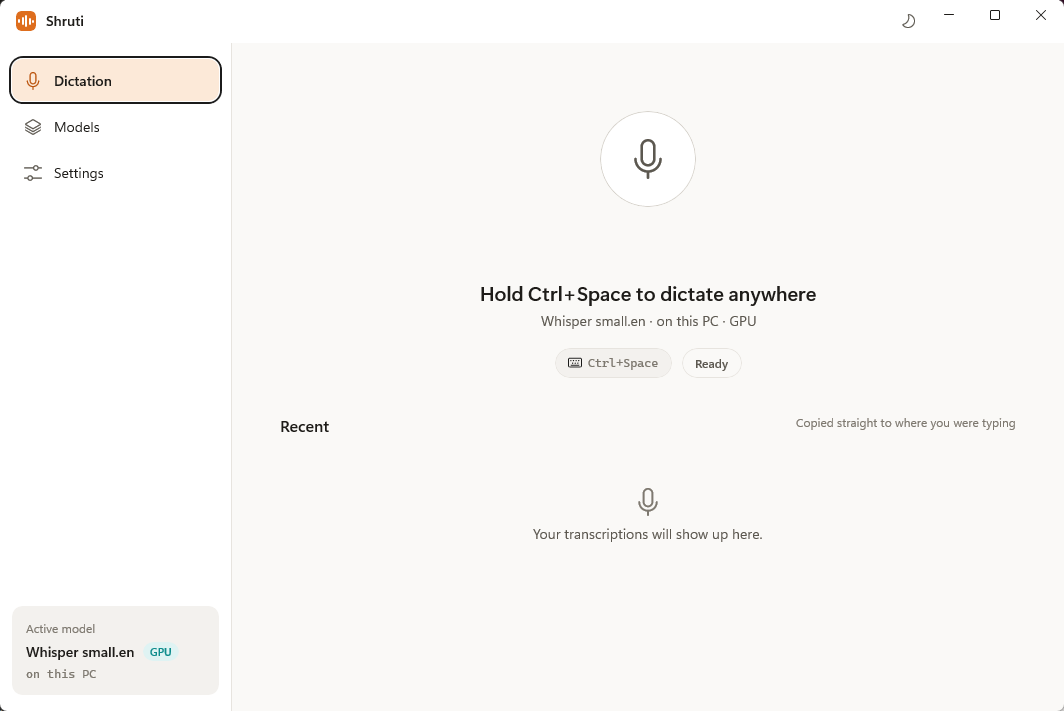
Start from anywhere with the default Ctrl+Win+Space trigger, tray menu, or compact floating microphone.
Windows-native • Local-first • No account required
Trigger dictation from anywhere and send the final text back into your focused app automatically — powered by local speech recognition.
Designed for daily writing
Shruti focuses on one job: quickly turning speech into useful text inside messages, prompts, notes, and documents.
Start from anywhere with the default Ctrl+Win+Space trigger, tray menu, or compact floating microphone.
Shruti remembers your previous target, restores focus, and inserts the final transcript with a clipboard fallback when needed.
See partial text while recording. Only the finalized transcript is inserted, so your work stays clean.
Download, verify, import, and remove speech models without creating an account or sending recordings to a hosted service.
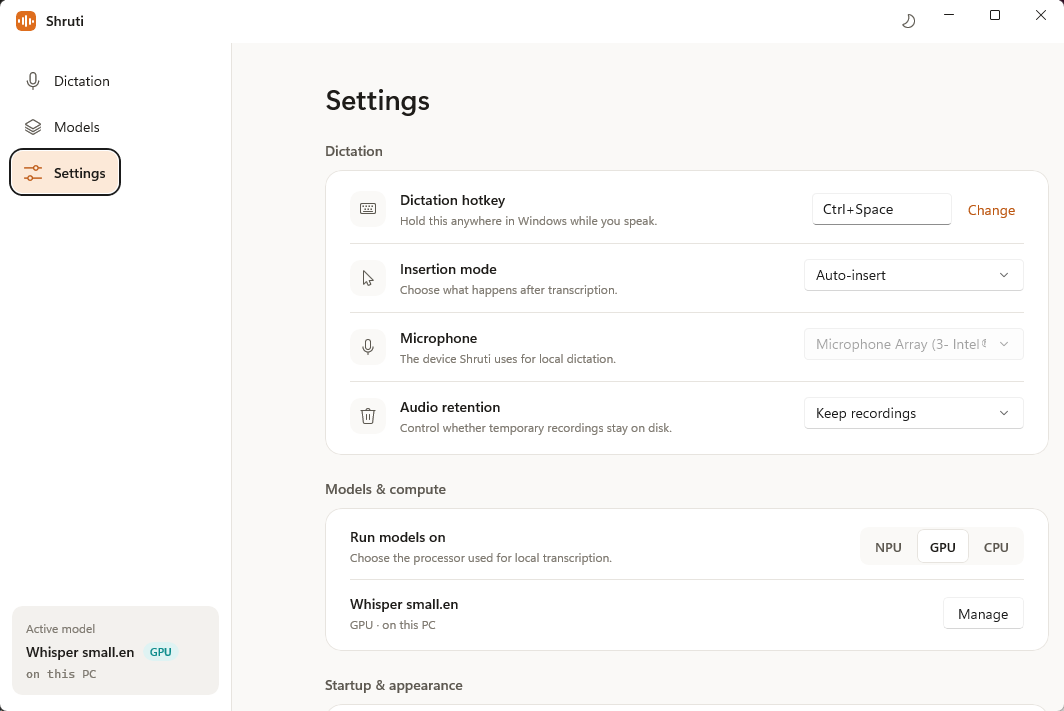
Choose immediate insertion by default, review before insert, or keep dictation as a copy-to-clipboard workflow.
Built with WinUI 3, a tray presence, system theme support, and microphone controls that feel at home on Windows.
Privacy by default
Shruti is local-first. Core transcription runs on your PC, and models, settings, recordings, and transcripts live locally unless you explicitly export them.
Simple loop
Use the shortcut, tray, app button, or floating mic.
Shruti remembers the foreground app and records your microphone.
Audio is normalized and processed locally through the selected model.
Watch live partial text or open preview-before-insert mode.
The final transcript lands back in the app you were using.
Open source
Shruti is under active development in the open. Explore the source, build the Windows app locally, or follow the project for release updates.